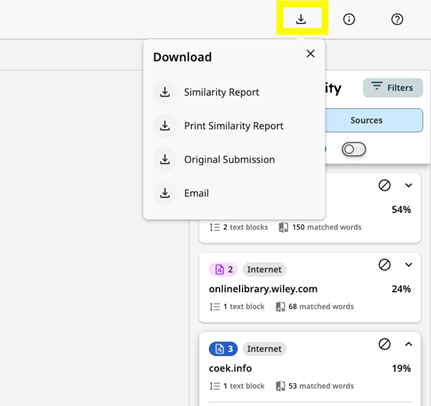
Saving, Sharing and Exporting Results
The scan will be saved in the chosen folder enabling the PhD candidate to revisit the scan results. You can share the scan, for instance with the key user for iThenticate via the ‘sharing’ option after selecting the folder on the iThenticate start screen. You can find more information on inviting collaborators in the iThenticate manual.
The person(s) you want to share the results with needs to have an iThenticate account. All key users for iThenticate have an iThenticate account. If you want to share the results digitally with a person without an iThenticate account (for instance your (co-)supervisor), you can save the results as a PDF file via the print icon in the bottom left corner in de detailed view. Note that reviewing the results together with your supervisor is easiest by viewing your iThenticate account together, either physically or by sharing your screen in an online meeting.