Logging in
This page explains how to log in after receiving an invitation for the first time.
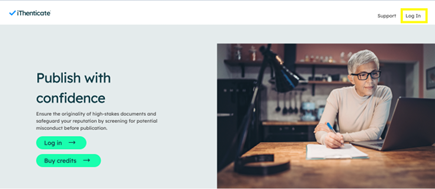
After receiving your credentials, you can log in on the iThenticate website, clicking on the ‘Login’ button in the top right corner.
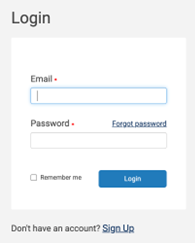
You can sign in using your VU email address and password. Note that the ‘Sign Up’ option is not available to create an account yourself, as the VU has a campus licence for PhD candidates. You can create an account by contacting the key user iThenticate within your faculty. In the list of key users you can find all key users of the faculties.
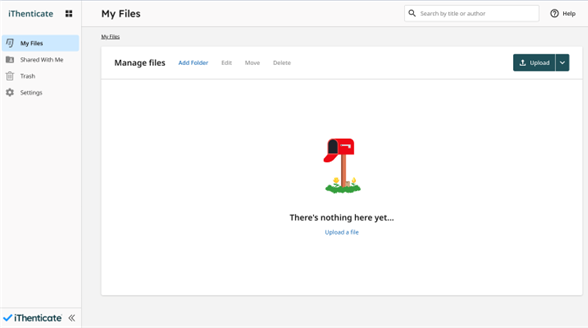
After a successful login the starting page of the iThenticate app appears: