Adding Metadata
How to: Adding metadata in Yoda
Yoda facilitates adding both structured and unstructured metadata to your research data. Entering structured metadata is a prerequisite for archiving a data package. If a folder is published, its structured metadata will be published as well and can be harvested by data catalogs such as DataCite. Your published datasets can also be registered in Pure.
In order to add structured metadata to a folder:
- navigate to the folder in the Yoda portal and press the “Metadata” button.

Once you have added metadata and clicked on the “Save” button, the metadata will be stored in a specific format in the folder. Yoda uses files named “yoda-metadata.json” for this purpose.
Unstructured metadata can be added as a file to the dataset, for example in a “Readme.txt” or “Codebook.pdf” file.
The metadata form
By default, the Yoda metadata form consists of approximately 30 fields. Please consult the metadata element list below for a detailed description of the elements.
All mandatory fields are marked with an asterisk.
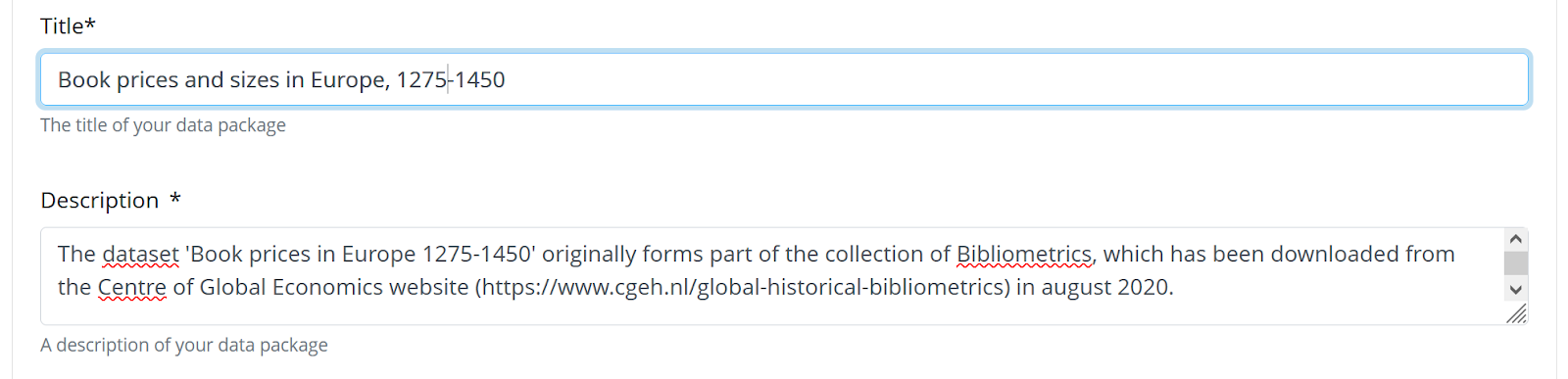
Some metadata elements consist of multiple fields. For example, if you enter a person identifier, you should also specify the type of identifier.
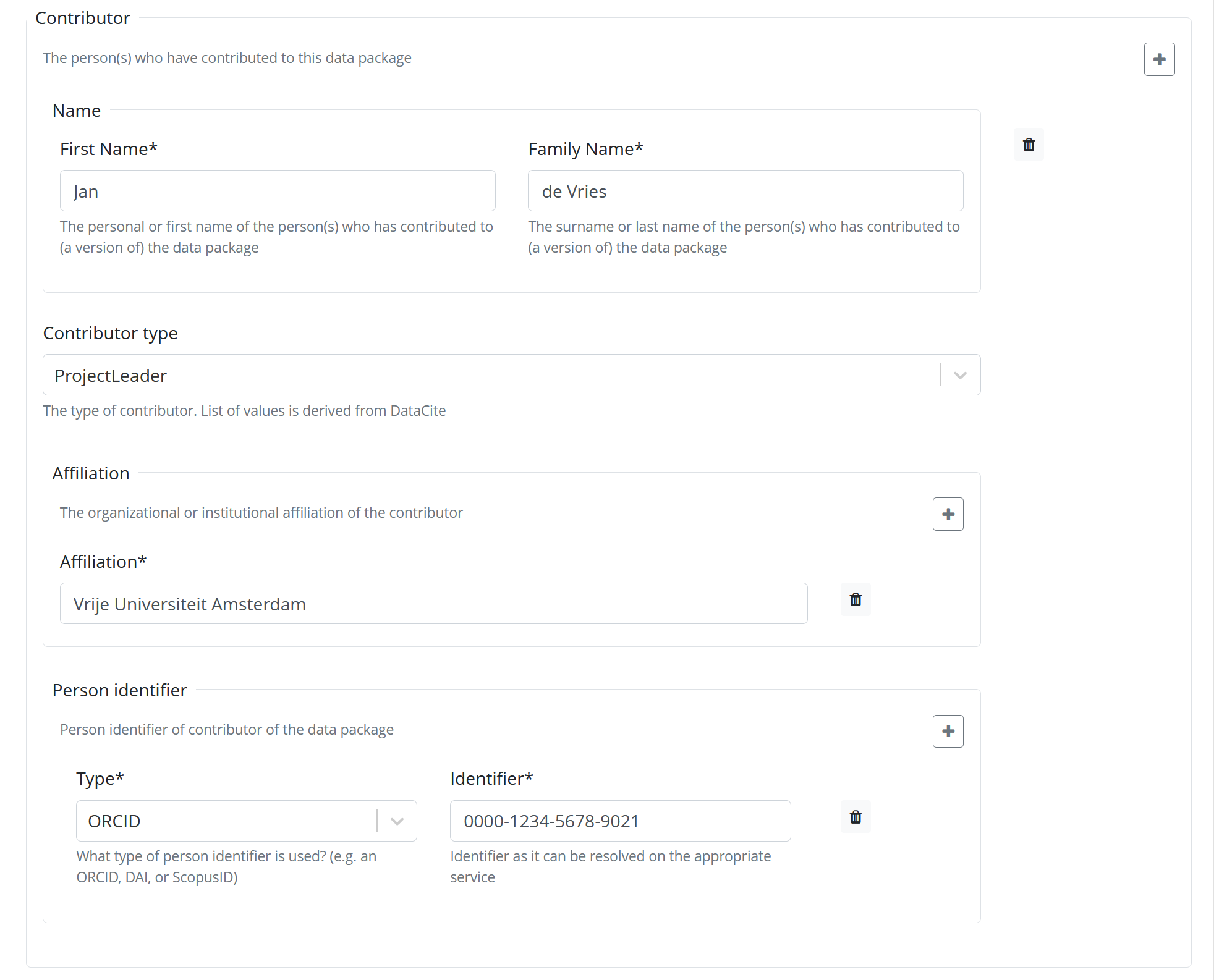
Some fields can have multiple values. In order to add a value, press the “+” sign next to the field.
Reusing metadata
Structured metadata is reusable. The metadata form includes a button “Clone from parent folder”. One way to use this feature is to create a project-level folder with several subfolders for data. Common metadata elements for the project can be entered in the project-level folder. This metadata can then be copied to the data folders and filled in further.
You can also copy the “yoda-metadata.json” file of a folder to another folder in order to copy its metadata.
When you publish a folder, only the metadata on the level of that folder is published in data catalogs.
